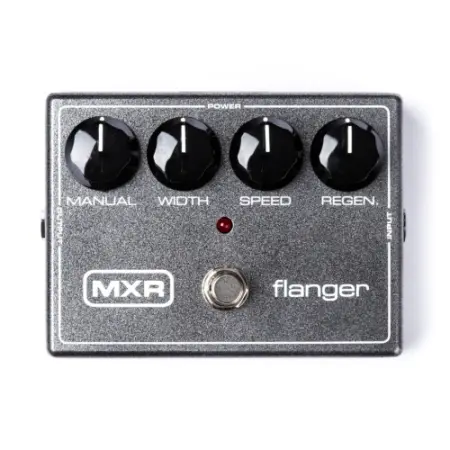
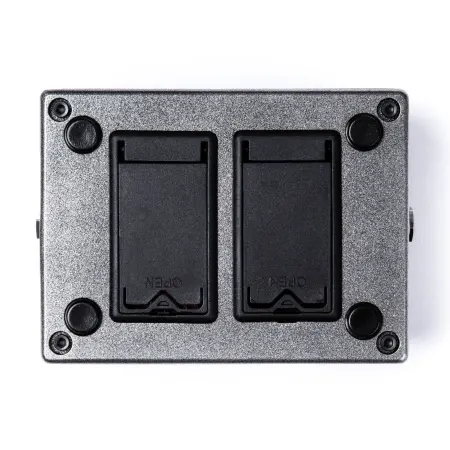
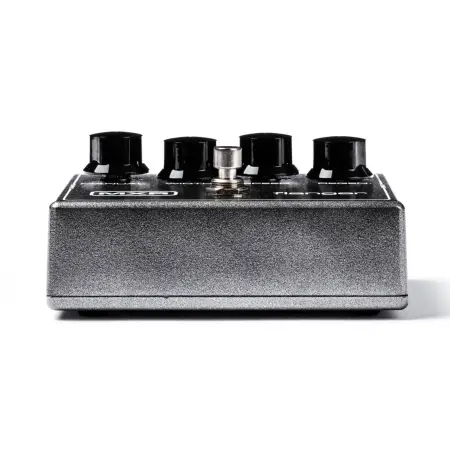
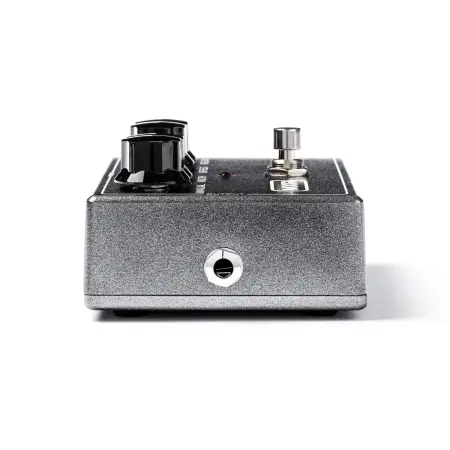
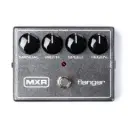
Creates a range of sounds, from dynamic supersonic fighter or surround effects to short latency, chorus and vibrato. Place the Width slider at 0, thereby disabling the auto offset. Next, use the Manual knob to select the frequency spectrum of the effect; The effect can be used with guitar, bass, keyboards, or vocals. A footswitch on the body turns the effect on/off (red LED lights up when turned on) The Manual control is designed to select the central frequency of the effect when the auto shift is turned off The Width control in the 0 position turns off the auto offset, when rotated clockwise, increases the phase tonal shift of the effect The Speed control modulates the speed of the effect The Regen control sends the amount of the effect back to the beginning.